
How can I search for only articles which are open access?
To limit publications displayed to open access articles, expand the Open Access filter in the left column, tick All OA, and then select Limit to. When this filter is applied, only publications that are open access will appear in the results list. As with all filters, the filter can be applied to blank search, to results from a keyword search or similar documents search, or in combination with other filters.
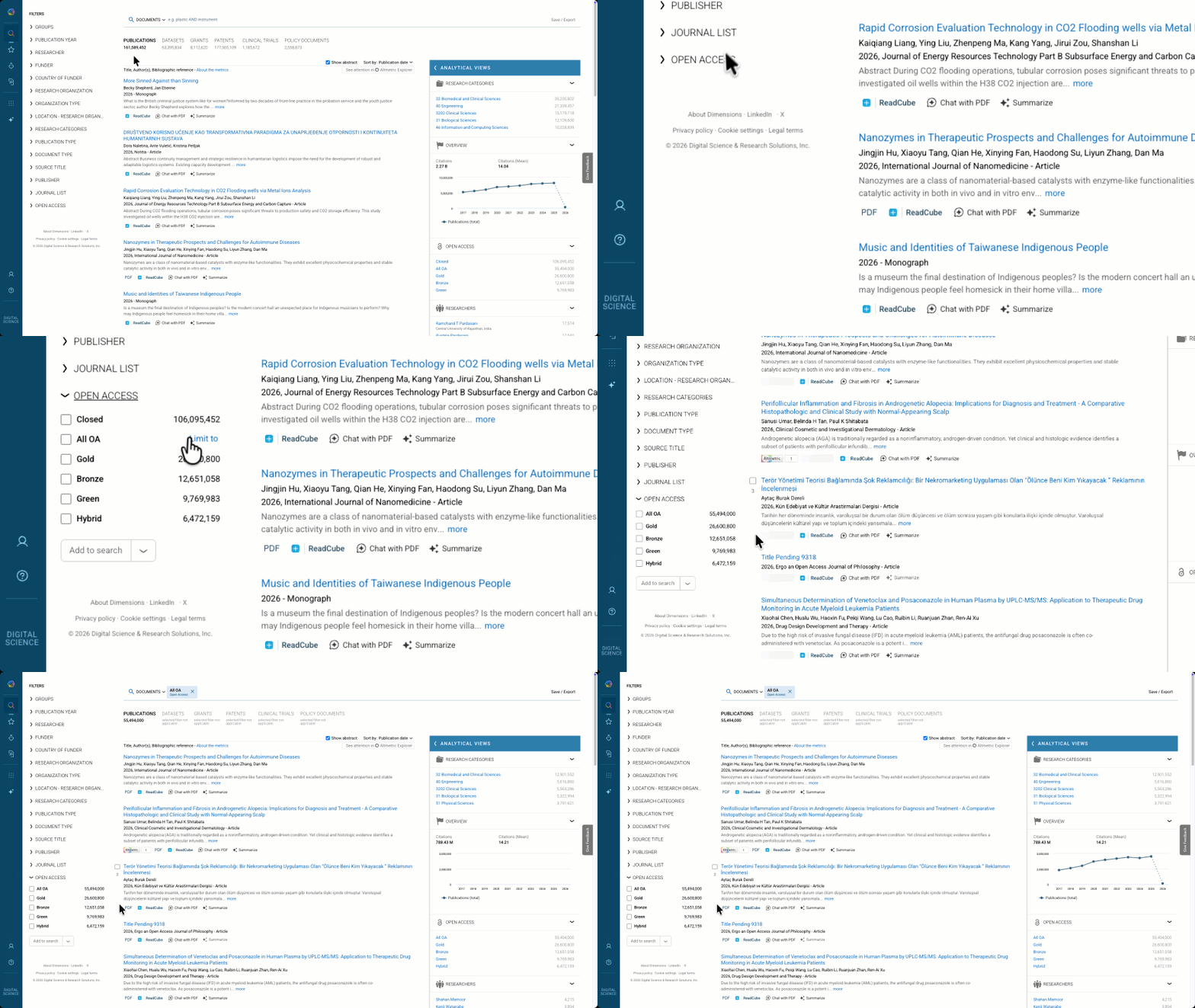
Definition of Open Access filters
Dimensions relies on the Unpaywall data set to classify articles as open access.
All OA | A free version of the publication is available (publication is either Gold, Hybrid, Bronze or Green OA) |
Gold | Publication is published in a fully open access journal (this includes all publications with a Gold OA status in Unpaywall and those on our own fully OA list of journals) |
Hybrid | Publication freely available under an open licence in a paid-access journal (Unpaywall OA status = Hybrid) |
Bronze | Publication freely available on publisher's website, but without an open licence (Unpaywall OA status = Bronze) |
Green | Publication freely available in an OA repository (Unpaywall OA status = Green, or publication type in Dimensions = Preprint) |
Closed | No freely available version has been identified (publication is neither Gold, Hybrid, Bronze nor Green OA) |