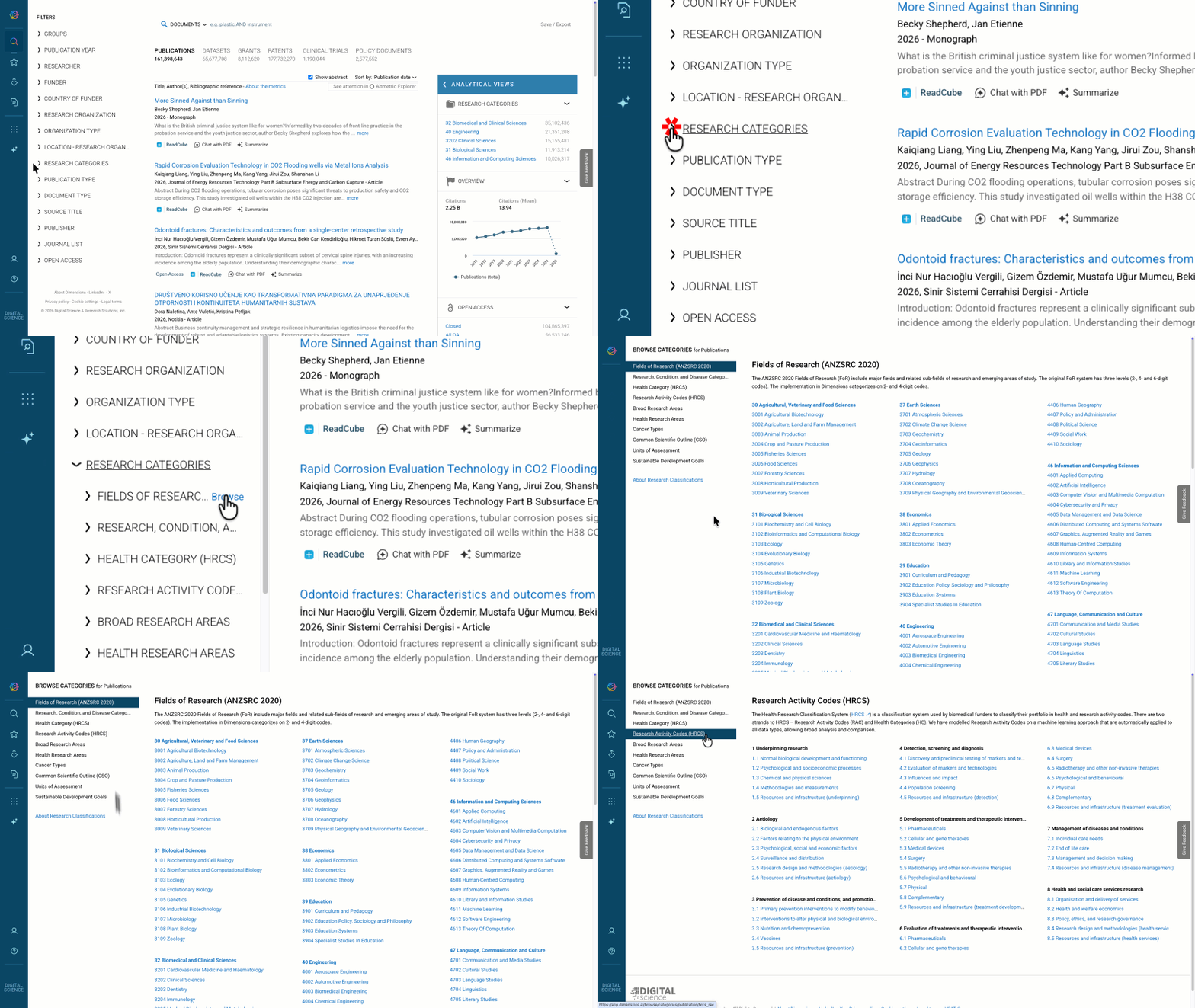
How can I get an overview of the available categories per research classification?
Edited
For the standard classifications, next to each category filter you find a “Browse” link which brings you to a page with all available categories of the respective research classification, allowing you to see all of the categories that are available within this research classification. (Please note, if you are using the Free Dimensions version you will only be able to see and use the Fields of Research (FoR) classification system).